Product Details
HOW TO USE
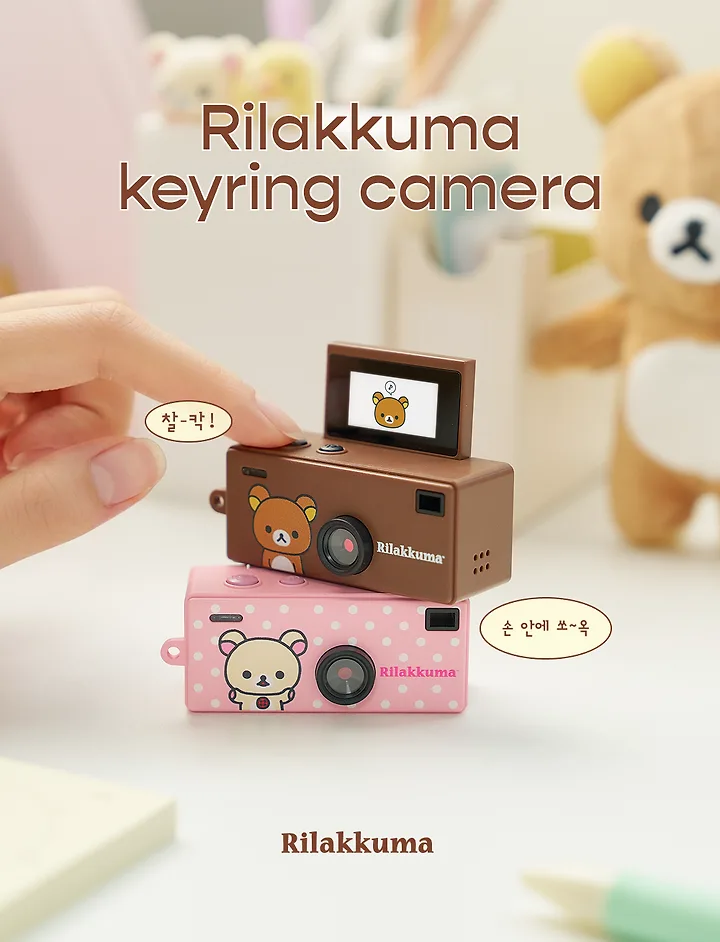
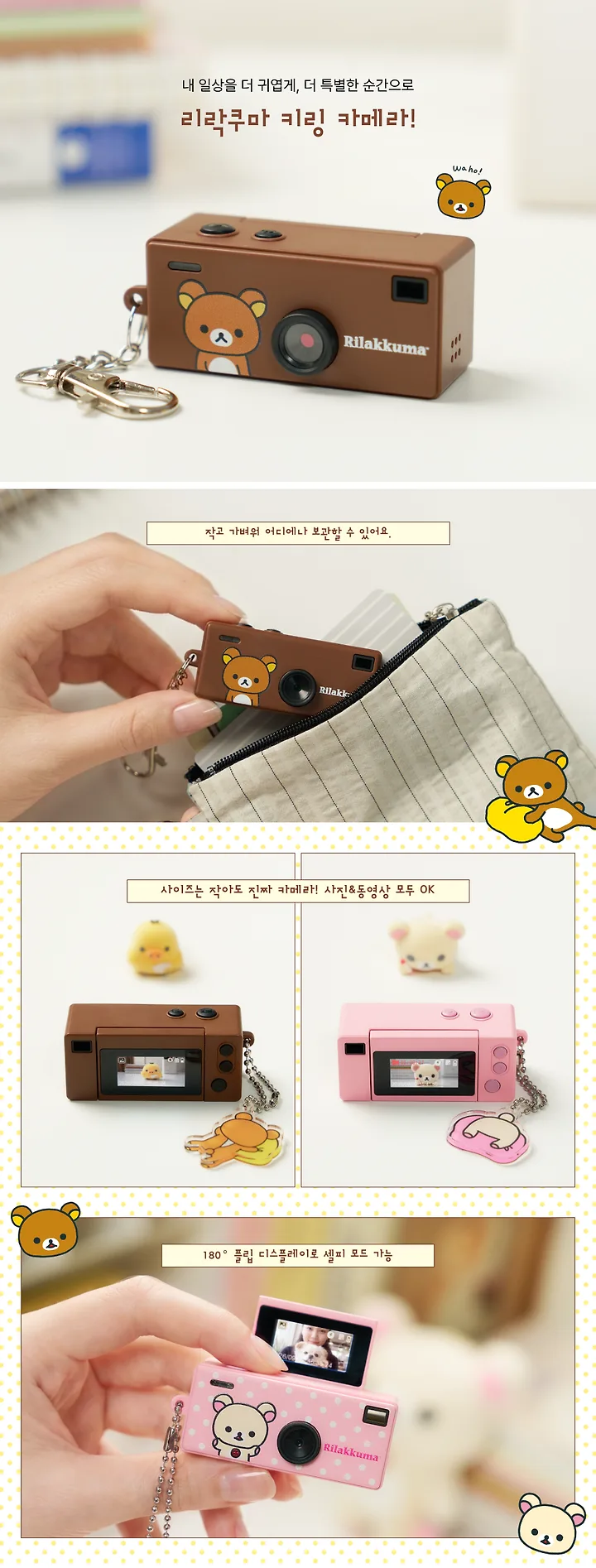
Rilakkuma Mini Retro Digital Camera Keychain
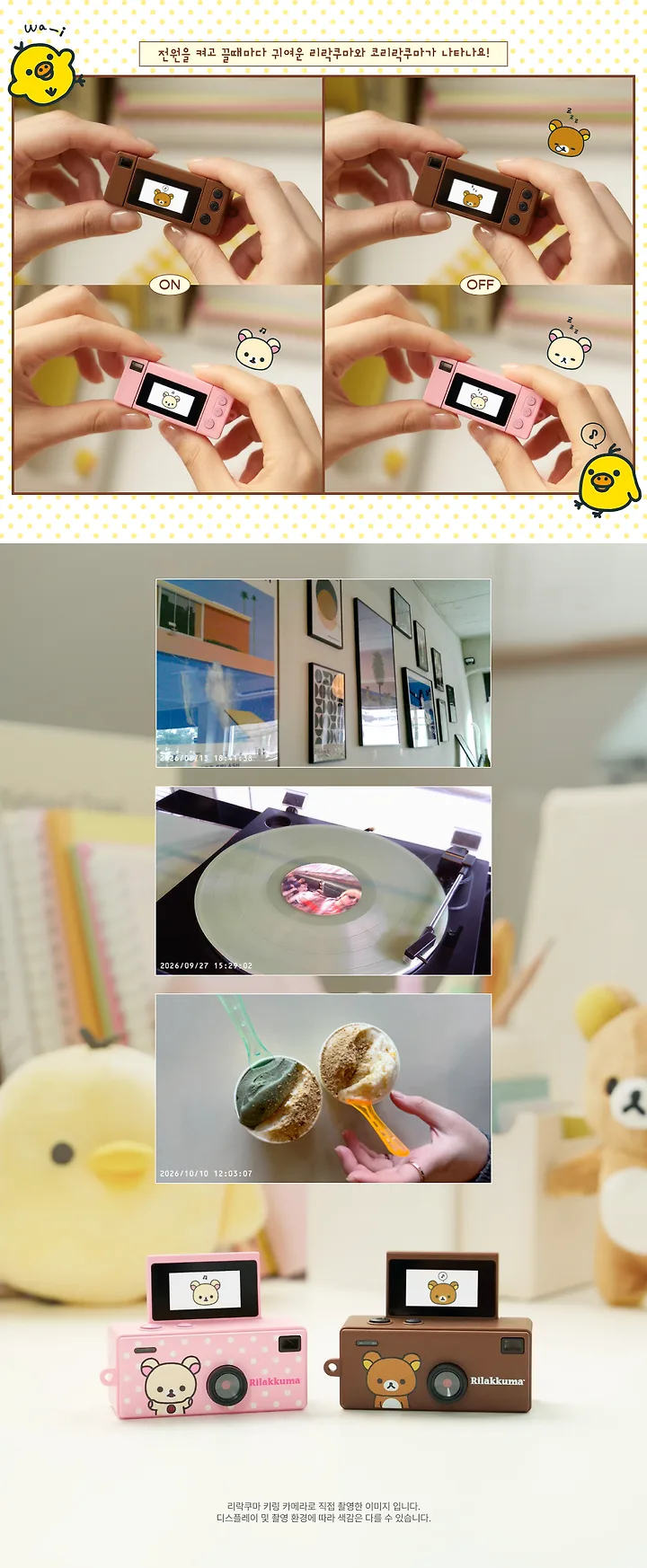
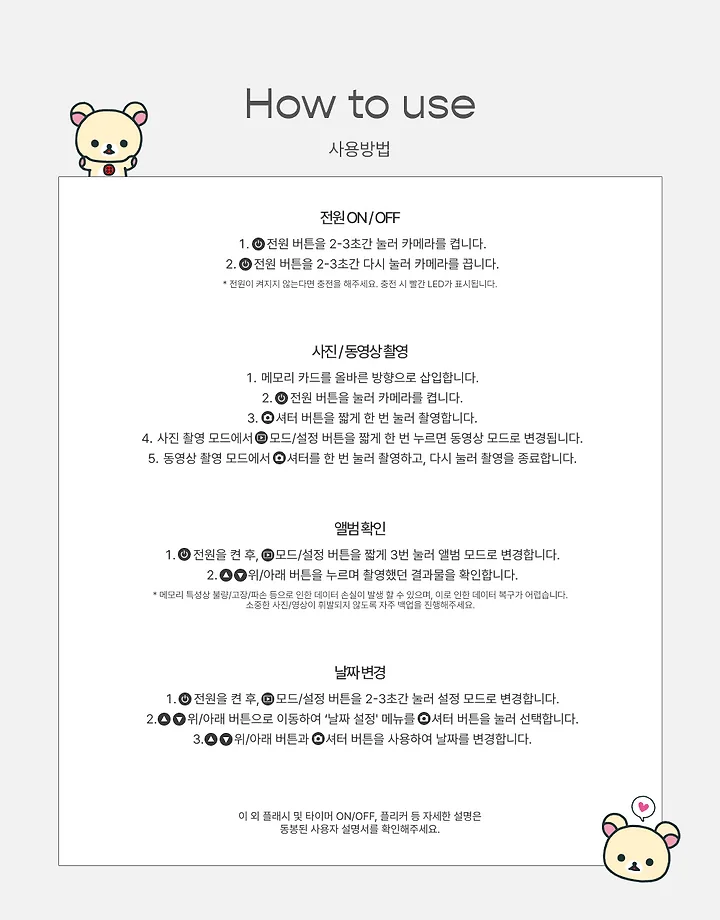
1. Power ON/OFF
- Press and hold the Power button for 2–3 seconds to turn on the camera.
- Press and hold the Power button again for 2–3 seconds to turn off the camera.
If the camera does not turn on, please charge it first. The red LED indicator will light up while charging.
2. Taking Photos & Recording Videos
- Insert a memory card into the camera.
- Press the Power button to turn on the camera.
- Press the Shutter button once to take a photo.
- In Photo Mode, press the Mode/Settings button once to switch to Video Mode.
- In Video Mode, press the Shutter button once to start recording. Press it again to stop recording.
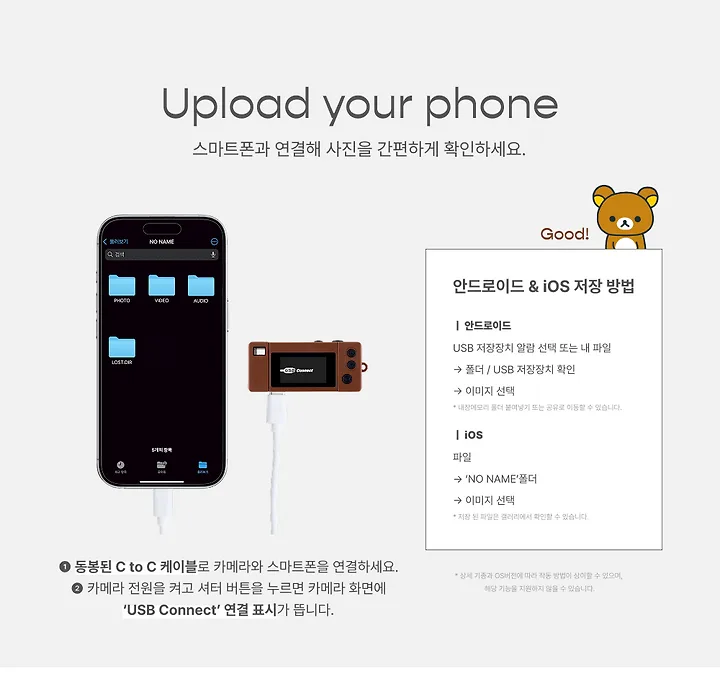
3. Viewing Photos & Videos
- Turn on the camera, then briefly press the Mode/Settings button three times to enter Album Mode.
- Use the Up/Down buttons to browse your photos and videos.
Photos and videos cannot be viewed unless a memory card is inserted. If the memory card is not recognized, please check that it is properly inserted.
4. Changing the Date
- Turn on the camera, then press and hold the Mode/Settings button for 2–3 seconds to enter Settings Mode.
- Use the Up/Down buttons to navigate to “Date Settings,” then press the Shutter button to select it.
- Use the Up/Down buttons and Shutter button to adjust the date.
Additional Information
For instructions on flash settings, timer functions, and other features, please refer to the included user manual.